An AI agent combines a reasoning model with instructions, tools, memory, and a runtime. It receives a goal, works through the steps, and continues until it reaches an accepted result, hits a limit, or hands control to a person.
What are AI agents?
AI agents understand a goal, decide what to do next, use tools, and take actions on a person’s behalf. For product and travel companies, that can mean an agent inside the customer experience that uses live business data and completes a real task.
Understand
Decide
Act
Observe
Repeat until the goal is complete, blocked, or ready for human review.
A loop that can act, check, and adapt.
The first production version should be as simple as the workflow allows.
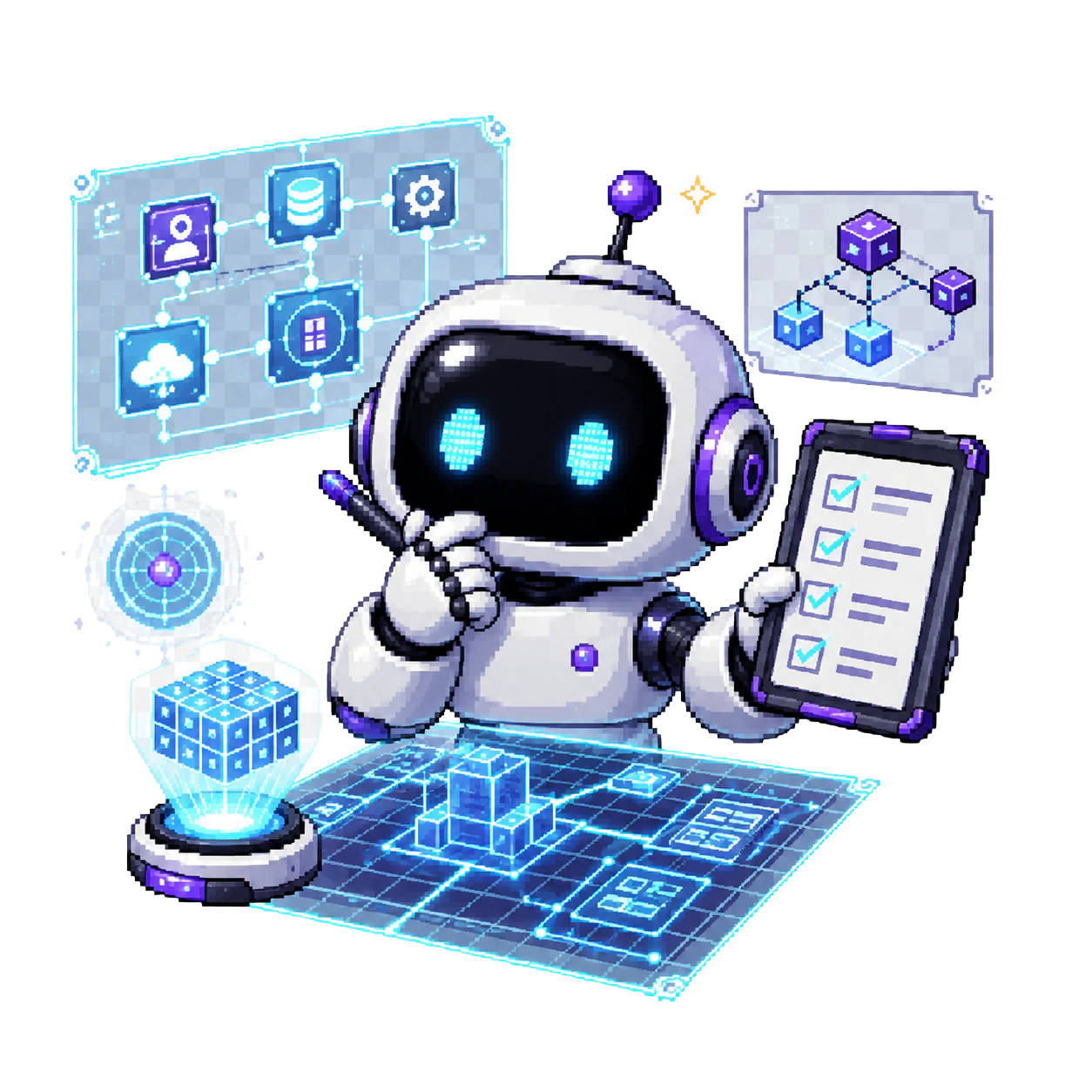
Read the goal and context.
The agent receives a specific request, the relevant state, and the limits it must follow.
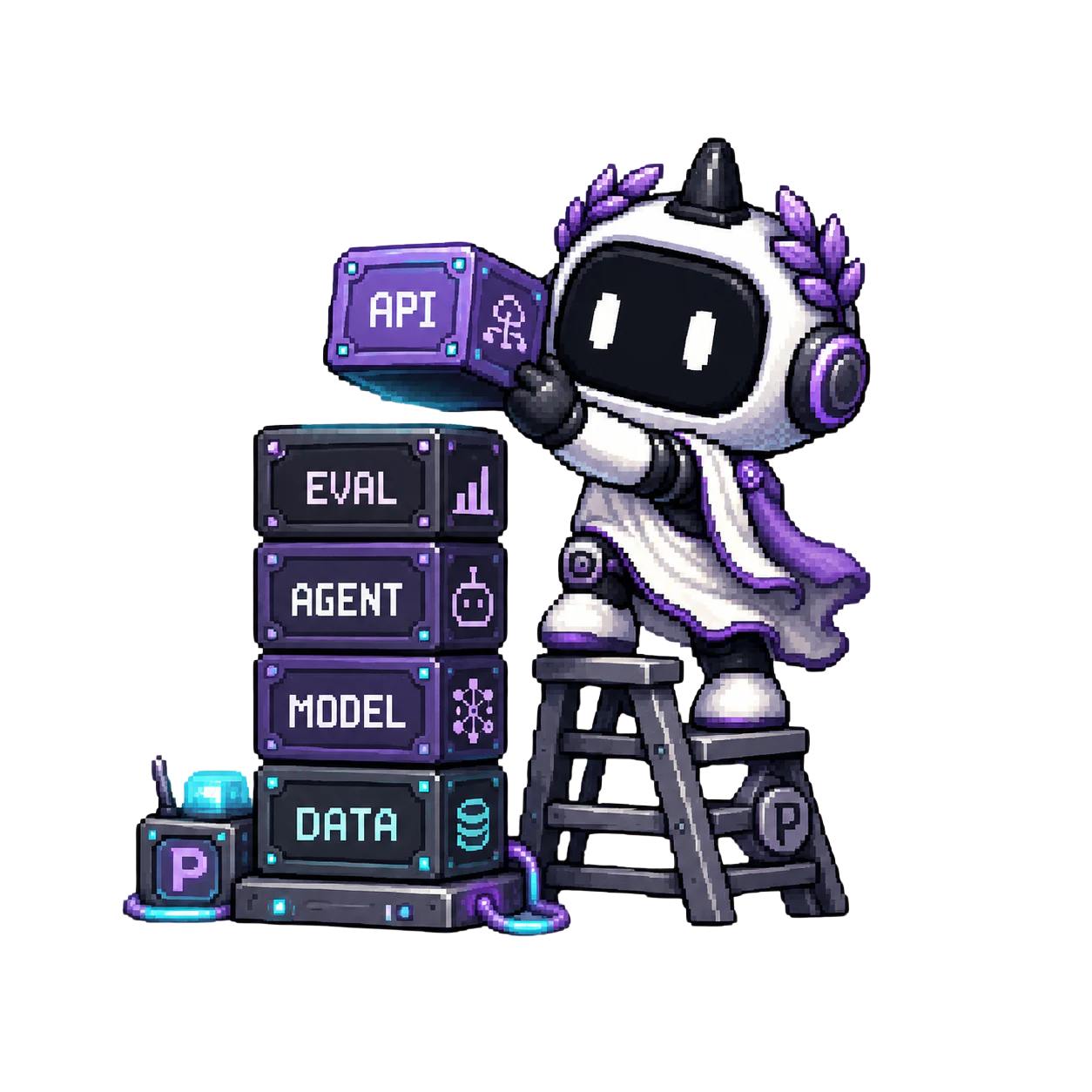
Choose the next useful step.
A reasoning model selects a path based on its instructions, tools, and the current workflow state.
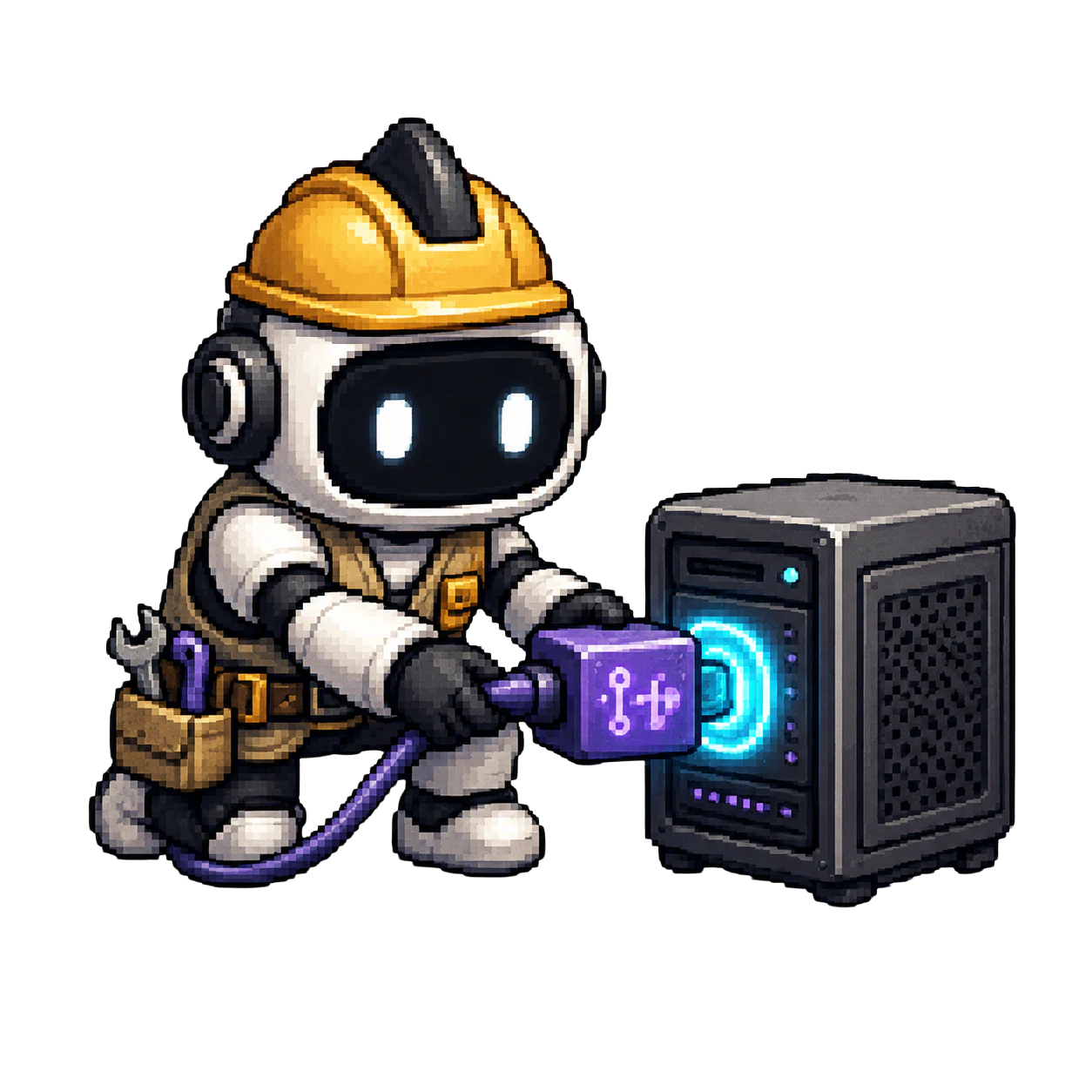
Use approved tools and data.
The agent calls product APIs, databases, inventory, search, or internal services with controlled access.

Check, continue, or escalate.
It evaluates the result, finishes the task, tries another step, or hands control to a person.
Agent, chatbot, copilot, or automation?
The label matters less than who controls the workflow and whether the system can take action.
| System | What it does | Best fit | Main limit |
|---|---|---|---|
| Chatbot | Responds to a message | Questions, support, guided conversations | Usually stops at the answer |
| Copilot | Helps a person complete work | Drafting, analysis, recommendations | The person still drives each step |
| Fixed automation | Runs predefined rules | Stable, repeatable processes | Struggles when the path changes |
| AI agent | Chooses and completes steps toward a goal | Open-ended, multi-step workflows | Needs evaluation, guardrails, and clear limits |
If an LLM only generates text while your application controls every step, it is an AI feature. If the model controls workflow execution, selects tools, evaluates progress, and can recover or escalate, it is acting as an agent.
A useful demo is only the beginning.
A production agent needs the controls and operating system around the model.
One valuable workflow
Start with a clear user, business outcome, and acceptance test. “Add AI” is not a scope.
Reliable tools and permissions
Every tool call needs authentication, authorization, error handling, and an audit trail.
Evaluations before and after launch
Test tool selection, completion quality, failure recovery, latency, and human handoff triggers.
Guardrails and human handoff
Set limits for inputs, outputs, tool use, and risky actions, with a clear takeover path.
Observability and iteration
Track what the agent attempted, which tools it called, where it failed, and how performance changes.
Deployment and ownership
Decide where the agent runs, who controls its data, who operates it, and how it can be handed over.
Agents become useful when they own a real workflow.
These examples connect the agent layer to customer experience, operations, and the predictive systems underneath.
Customer-facing
Customer-facing travel agent
Combine a traveler’s request with live inventory, rules, customer context, and supplier tools. The agent can narrow options, explain trade-offs, and carry the customer toward a completed task.
4x fasterOperational data agent
Plexe built a conversational data agent for an EdTech enterprise. The company reports that its C-suite made decisions about four times faster.
+7% · -60%Recommendations and routing
Plexe’s travel work includes a reported 7% A/B-tested conversion uplift and a separate reported 60% infrastructure-cost reduction.
Three ways to get an agent into production.
Use an agent inside existing software
Best when the workflow fits an existing product, the data already lives there, and the agent does not need to become a differentiated customer experience.
Build with your own AI team
Best when AI is a permanent strategic capability and the company can staff product, data, software, AI, security, evaluation, and operations.
Embed a specialist team
A forward-deployed team can scope, build, integrate, evaluate, deploy, and transfer the first production system with your team.
Compare the paths
Start with one workflow. Ship the whole system.
Plexe connects the agent to the systems and data it needs, tests it against production acceptance criteria, and deploys it inside the customer’s product and environment.
The output is designed to become a customer-owned capability. Plexe can keep operating it with your team or complete a structured handover.
AI agent questions, answered.
What is an AI agent in simple terms?
An AI agent is software that can work toward a goal on your behalf. It can decide what to do next, use approved tools, check the result, and continue or ask for help.
How is an AI agent different from a chatbot?
A chatbot mainly responds inside a conversation. An agent can control a multi-step workflow and take actions in connected systems. Some chatbots include agents behind the interface, but the chat screen alone does not make a system agentic.
Do AI agents replace business software?
Usually no. Agents often sit across existing software and use its APIs, data, and permissions. The agent adds reasoning and workflow control while the underlying systems remain the source of record.
When should a company build an AI agent?
Build when a valuable workflow needs judgment, tool use, or adaptation that fixed automation cannot handle well. Start with one workflow that has a measurable outcome and clear safety limits.
What does an AI agent need to run in production?
It needs reliable tools, permissions, evaluations, guardrails, human handoff, monitoring, a secure runtime, and a clear owner for ongoing operation.
Can Plexe build an agent that runs in our environment?
Yes. Plexe’s current platform and engagement model support deployment in the customer’s environment, customer ownership of the solution assets, and a handover path.
Scope the agent your customers will use.
Plexe will map the workflow, tools, controls, deployment, and ownership path needed to reach production.